- Overview
- Course Details
This course is open to any Cyber Security (CS) personnel appointed on letter to a DoD 8140.03 work role/proficiency level that corresponds with the certification requested.
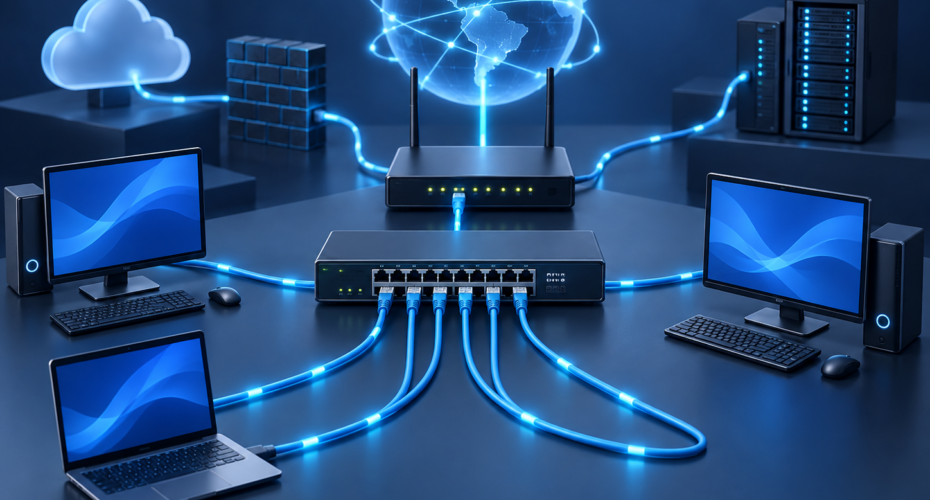
CompTIA Network+ helps develop a career in IT infrastructure by covering troubleshooting, configuring, and managing networks.
This certification validates the hands-on skills needed to work with both wired and wireless networks; also included are emerging technologies such as unified communications, mobile, cloud, and virtualization technologies. This powerful credential will help take your IT career to the next level.
Course overview
Lesson 1: Comparing OSI Model Network Functions
• Compare and contrast OSI model layers
• Configure SOHO networks
Lesson 2: Deploying Ethernet Cabling
• Summarize Ethernet standards
• Summarize copper cabling types
• Summarize fiber optic cabling types • Deploy Ethernet cabling
Lesson 3: Deploying Ethernet Switching
• Deploy networking devices
• Explain network interfaces
• Deploy common Ethernet switching features
Lesson 4: Troubleshooting Ethernet Networks
• Explain network troubleshooting methodology
• Troubleshoot common cable connectivity issues
Lesson 5: Explaining IPv4 Addressing
• Explain IPv4 addressing schemes
• Explain IPv4 forwarding
• Configure IP networks and subnets
Lesson 6: Supporting IPv4 and IPv6 Networks
• Use appropriate tools to test IP configuration
• Troubleshoot IP networks
• Explain IPv6 addressing schemes
Lesson 7: Configuring and Troubleshooting Routers
• Compare and contrast routing concepts
• Compare and contrast dynamic routing concepts
• Install and troubleshoot routers
Lesson 8: Explaining Network Topologies and Types
• Explain network types and characteristics
• Explain tiered switching architecture
Lesson 9: Explaining Transport Layer Protocols
• Compare and contrast transport protocols
• Use appropriate tools to scan network ports
Lesson 10: Explaining Network Services
• Explain the use of network addressing services
• Explain the use of name resolution services
• Configure DNS services
Lessons 11: Explaining Network Applications
• Explain the use of web, file/print, and database services
• Explain the use of email and voice services
Lesson 12: Ensuring Network Availability
• Explain the use of network management services
• Use event management to ensure network availability
• Use performance metrics to ensure network availability
Lesson 13: Explaining Common Security Concepts
• Explain common security concepts
• Explain authentication methods
Lesson 14: Supporting and Troubleshooting Secure Networks
• Compare and contrast security appliances
• Troubleshoot service and security issues
Lesson 15: Deploying and Troubleshooting Wireless Networks
• Summarize wireless standards
• Install wireless networks
• Troubleshoot wireless networks
• Configure and troubleshoot wireless security
Lesson 16: Comparing WAN Links and Remote Access Methods
• Explain WAN provider links
• Compare and contrast remote access methods
Lesson 17: Explaining Organizational and Physical Security Concepts
• Explain organizational documentation and policies
• Explain physical security methods
• Compare and contrast Internet of Things devices
Lesson 18: Explaining Disaster Recovery and High Availability Concepts
• Explain disaster recovery concepts
• Explain high availability concepts
Lesson 19: Applying Network Hardening Techniques
• Compare and contrast types of attacks
• Apply network hardening techniques
Lesson 20: Summarizing Cloud and Datacenter Architecture.
The course is run for 2 consecutive weeks with the students required to take the exam on the last day of week 2.